
 RinkNotes
Video · Game
Your team's games, recorded and shared.
Record the game, make your moments, and share them on your team's video page.
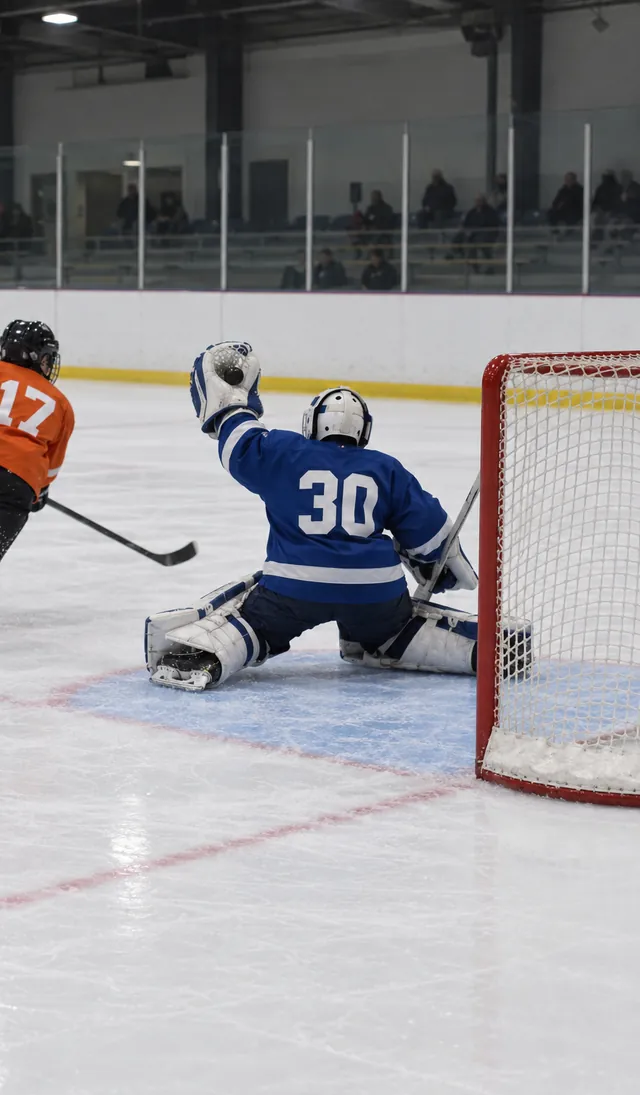 SLOW 0.5×
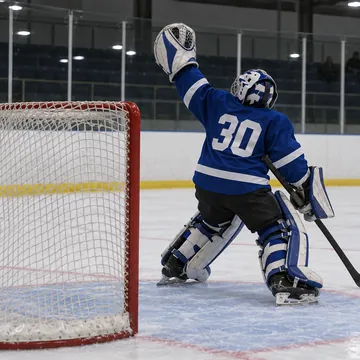
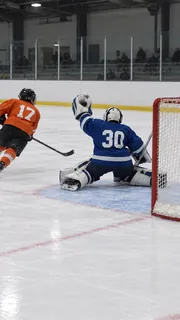
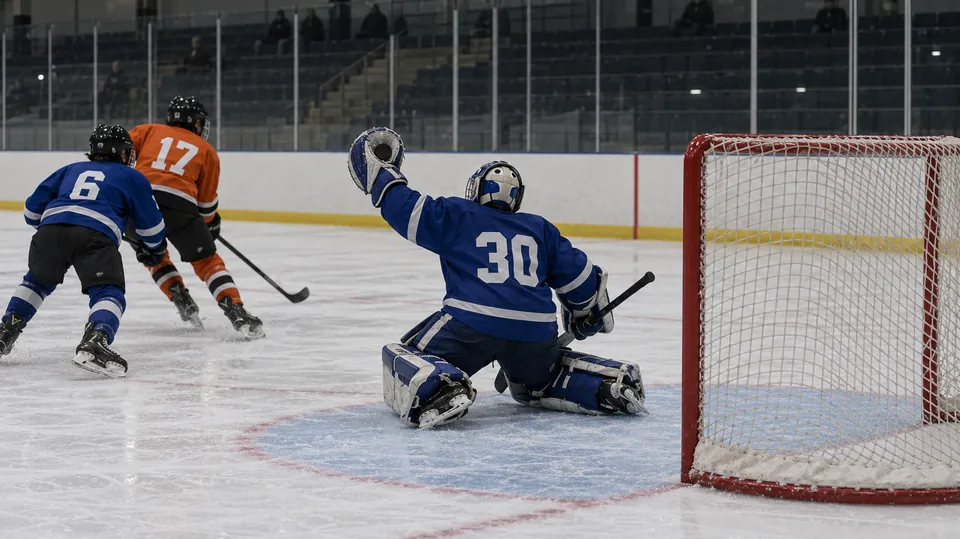
#30Goalie reel · Wolves U13 A

Three ways to record a game
Record the game
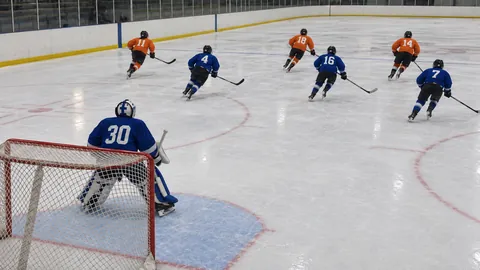
The whole game, period by period. Hold the phone, or leave it on a gimbal that follows the play.
In betaMoments
Just the moments, not the whole game. Record a short clip when the play comes your way, up to 5 minutes each, and tag it with a tap.
In betaRecord and stream
Record the game and stream it live, free, to your team's YouTube channel, a Facebook group or any stream address. To stream on your team page, write to us and we'll set you up.
In betaTry it
Tap the phone, or the steps beside it. This is a preview. The app isn't out yet.
Record the game, or just the moments.
The camera is set up for the rink. Tap Mark when something happens. A volume button or your AirPods can mark too. On a gimbal, it turns to follow the play.
Pick game videos you already have. Filmed with the Camera app, or sent by another parent.
The app goes through your videos on your phone and finds the moments worth keeping, like saves and the moments you marked.
Tap Keep or Skip on each moment.
Pick a game reel or a goalie reel, tall or wide. Saves get slow-motion replays.
Slow motion on the big moments, and a title card with the number only.
Save it to Photos or send it. Or publish it to your team's video page, where families watch from a link.
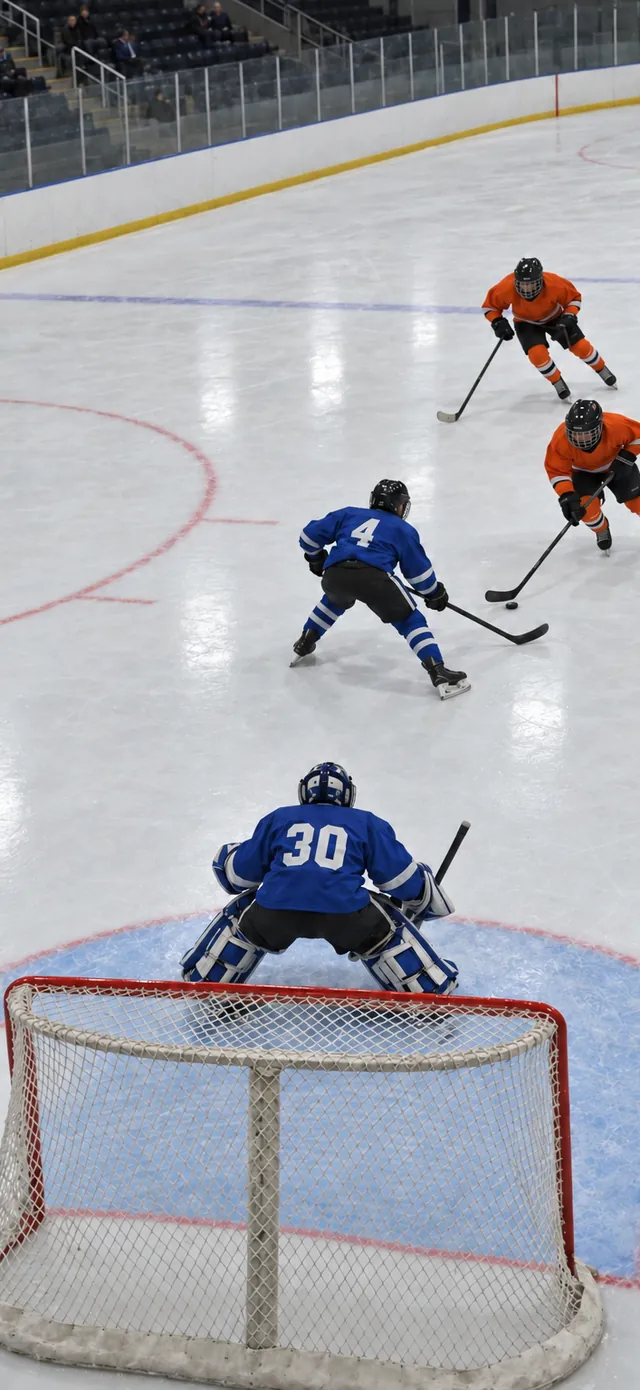
 4:58
 2:31
 0:47
 3:05
 1:12
 4:41
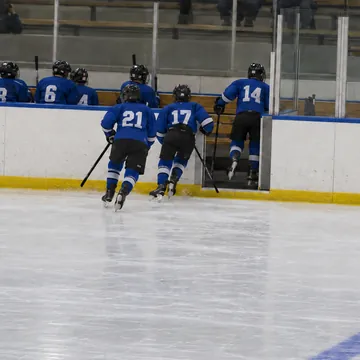 0:22
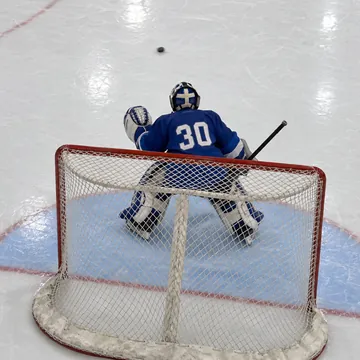 2:09
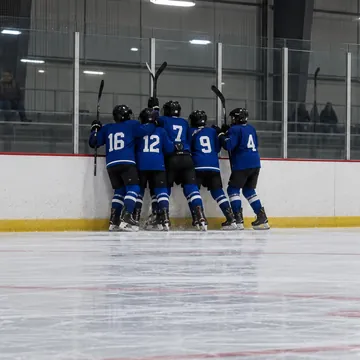 5:00
4:582:313:05P1 · 0:06P1 · 0:05P2 · 0:07P2 · 0:08P3 · 0:06
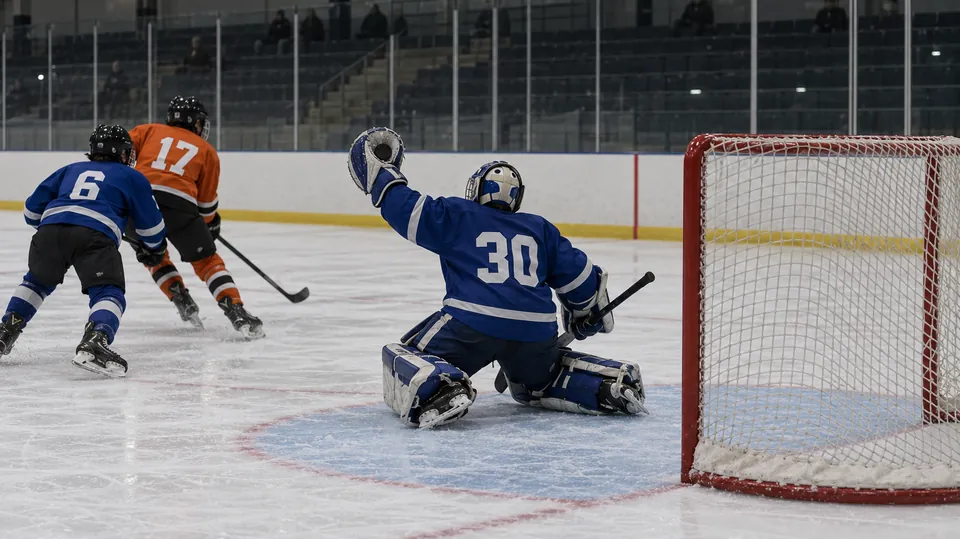 SLOW 0.5×
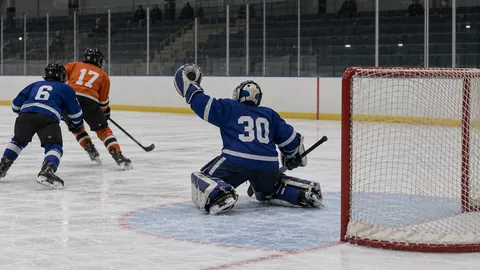
#30Goalie reel · Wolves U13 A
Record and stream, later
Stream the game live to your team's YouTube channel, a Facebook group or any stream address. Add phones and iPads as cameras.
 LIVEWOL 2HAW 12ND 12:41
 1
 2
 3
Up to three cameras
Phones and iPads you already have. Each one scans a code to join.
Follows the play
The app shows the camera that sees the play best. You can always pick yourself.
Score and clock
Goals, penalties, shots and the clock on the video, with start, intermission and final screens.
Number only
A goal shows the scorer's number, not their name.
Stream or record
Stream to your team's own channel for people with the link, or just record it.
The full game, saved
Every camera's video comes back to your phone after the game.
At the rink, video goes phone to phone, then only to the place your team picks.
Make your moments without an account.
We don't follow what you do.
It stays on your devices. Only the reels you publish go to your team's page.
On iPhone, iPad and Mac. The team page is a paid plan for teams.
Get it first
Video isn't out yet. Email us and we'll tell you when you can try it.
Skills coach? Write to us about offering Skills to your players. Questions? Write to hello@wispera.ai.